Better investigations
Improvement in investigation closure quality scores.
What enabled itStructured RCA and mandatory evidence closure
CASE STUDY / FOOD PROCESSING & FMCG
A large food processing & FMCG manufacturer replaced ad-hoc investigations, manual audit tracking, and fragmented training records with structured RCA workflows, action automation, and cross-plant dashboards.
Client highlights
Incident Investigation, Audit Management, Action Tracker
Structured RCA and audit-to-action automation across plants
Better investigation closure quality, fewer repeats, faster audit closure
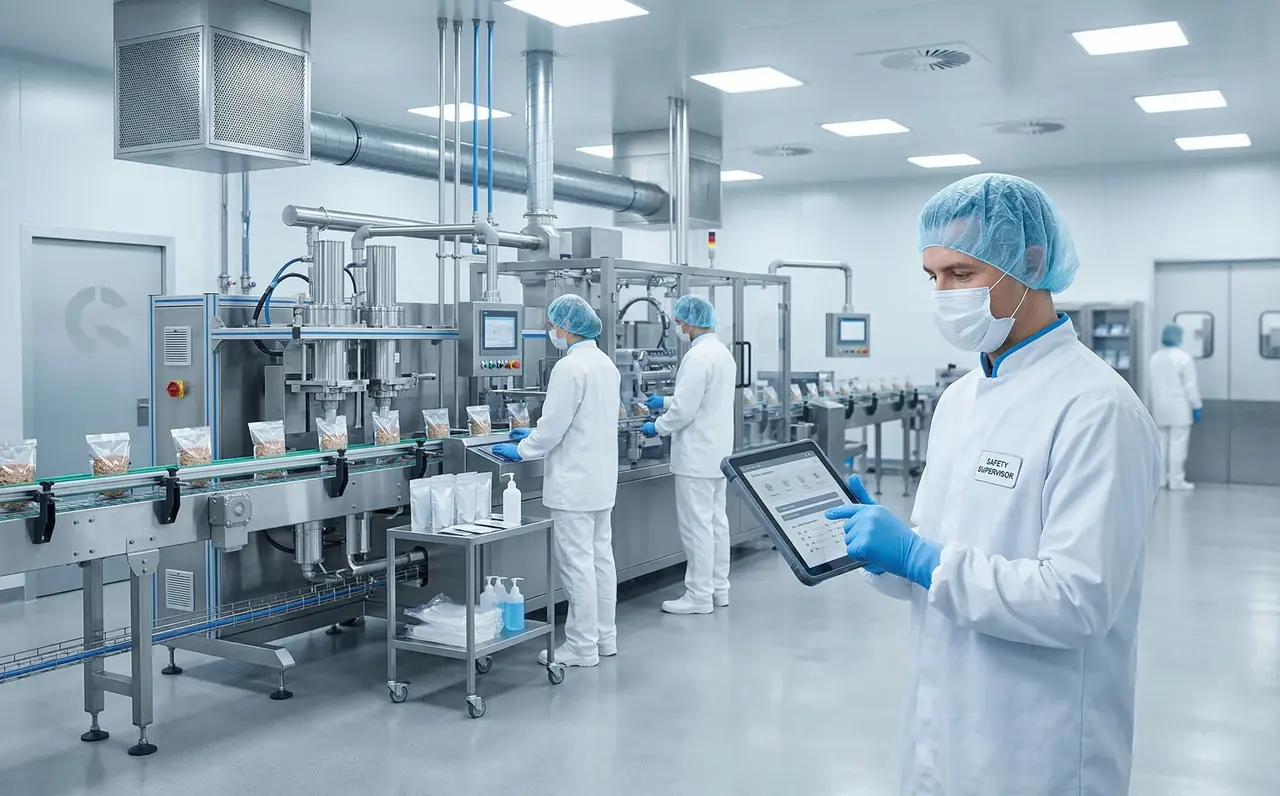
The shift from ad-hoc investigations to structured root-cause work with predictable closure.
Improvement in investigation closure quality scores.
What enabled itStructured RCA and mandatory evidence closure
Reduction in repeat minor incidents.
What enabled itRCA quality and linked CAPA discipline
Reduction in manual audit action tracking effort.
What enabled itAuto action creation and central tracking
Faster audit action closure turnaround time.
What enabled itOwnership, deadlines and escalations
WORKFLOW AT A GLANCE
The incident is logged and routed into a structured investigation workflow.
Explore this solutionEHS assigns investigators and validates severity and required evidence.
Explore this solutionThe investigation runs through RCA (Why-Why), with evidence required at each stage.
Explore this solutionCAPA is assigned, tracked and validated before the case can close.
Explore this solutionCorporate dashboards surface repeat themes, audit actions and training compliance.
Explore this solutionWhy the same patterns kept resurfacing across automated facilities.
Investigations didn’t force a clean RCA path, so the same patterns resurfaced.
Evidence quality varied by plant and investigator, leading to inconsistent closure.
External audit findings needed manual tracking and action creation.
Compliance visibility was split across HR and plants, with no single truth.
Deploying a standardised, integrated safety environment across all active operational sites.
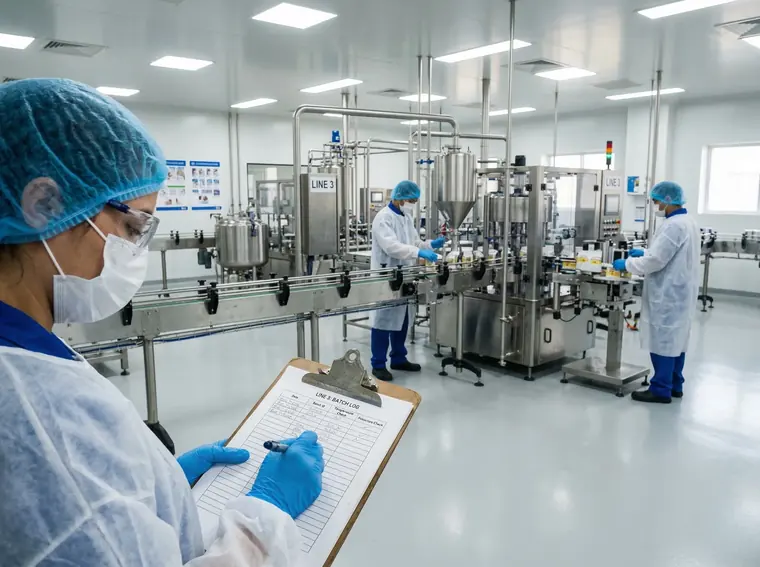
Configured for structured investigations that prevent repeat incidents.
Key workflow controls
Audit proof captured
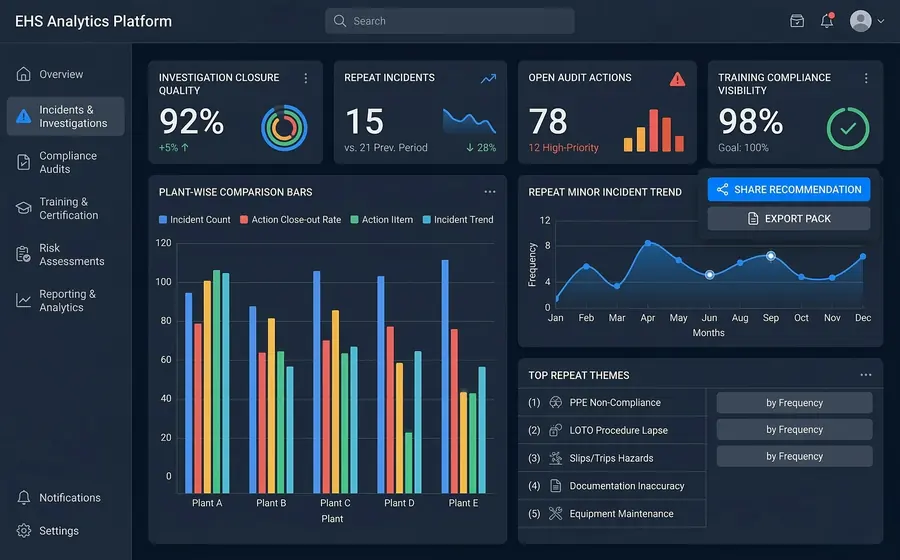
Configured so audit findings become actions and close, with training visibility across plants.
Key workflow controls
Audit proof captured
Less chasing. More traceability.
Fine-grained permissions by site, role or module.
Full history of all data changes and access.
One-click audit pack exports for regulators.
Capture keeps working in low-signal areas, then syncs when the device reconnects.
What the safety team started with, what changed, and what improved.
Context & constraints
Download the one-pager summary, or request a security brief for your IT review.
Most teams ask these questions before rolling out OQSHA.
Typically 2–6 weeks, depending on the number of sites, the modules you enable (Permit to Work, Inspections, Safety Alerts, HIRA, Visitor Management), and how much historical data you're bringing over. Most customers start with a pilot site, then roll out site by site.
Nothing special. Field teams use the OQSHA mobile app on Android or iOS phones and tablets; admins and managers use the web portal in any modern browser.
Yes. OQSHA is built for sites where connectivity is patchy: basements, towers under construction, plant floors. Field users can raise permits, safety alerts and inspections with no signal, including photos and attachments. Everything syncs automatically once the device reconnects.
Data is encrypted in transit and at rest, hosted on AWS in your chosen region. For organizations that need full control, OQSHA can also be deployed on-premise within your own infrastructure.
No. OQO runs as a captive AI. It works on your safety data within the OQSHA environment and never sends it to a public model or the open internet.
Yes. We support Single Sign-On and integration with common HRIS, ERP, and directory systems. Custom integrations are scoped with our implementation team during onboarding.
Yes. Historical permits, inspections, and incident records can be imported during onboarding, usually alongside the pilot, so your analytics and audit history are complete from day one.
Yes. Each organization runs in its own isolated tenant. Your templates, records, users, and dashboards are never visible to or shared with any other customer.
Built-in dashboards across permits, incidents, and inspections, filterable by site, zone, and time period. They're scoped automatically to what each user is allowed to see.
A named implementation contact through rollout, then standard support with response-time SLAs based on your plan. App updates are delivered over the air, so field users always have the latest version without reinstalling.
SAFER OPERATIONS START WITH A CONVERSATION
Your workflows. Your sites. A tailored OQSHA walkthrough.