More reporting
Increase in unsafe condition reporting.
What enabled itLow-friction mobile capture and guided templates
CASE STUDY / REAL ESTATE & INFRASTRUCTURE CONSTRUCTION
A large construction organisation replaced supervisor-dependent reporting and manual CAPA tracking with mobile-first capture, contractor qualification workflows, and escalation-backed action closure, so risks surfaced earlier and leadership finally had cross-project visibility.
Client highlights
Safety Reporting, Contractor Safety, CAPA / Action Tracker, Dashboards
Cross-project risk visibility and contractor governance
Higher reporting volume, faster reporting, fewer overdue actions
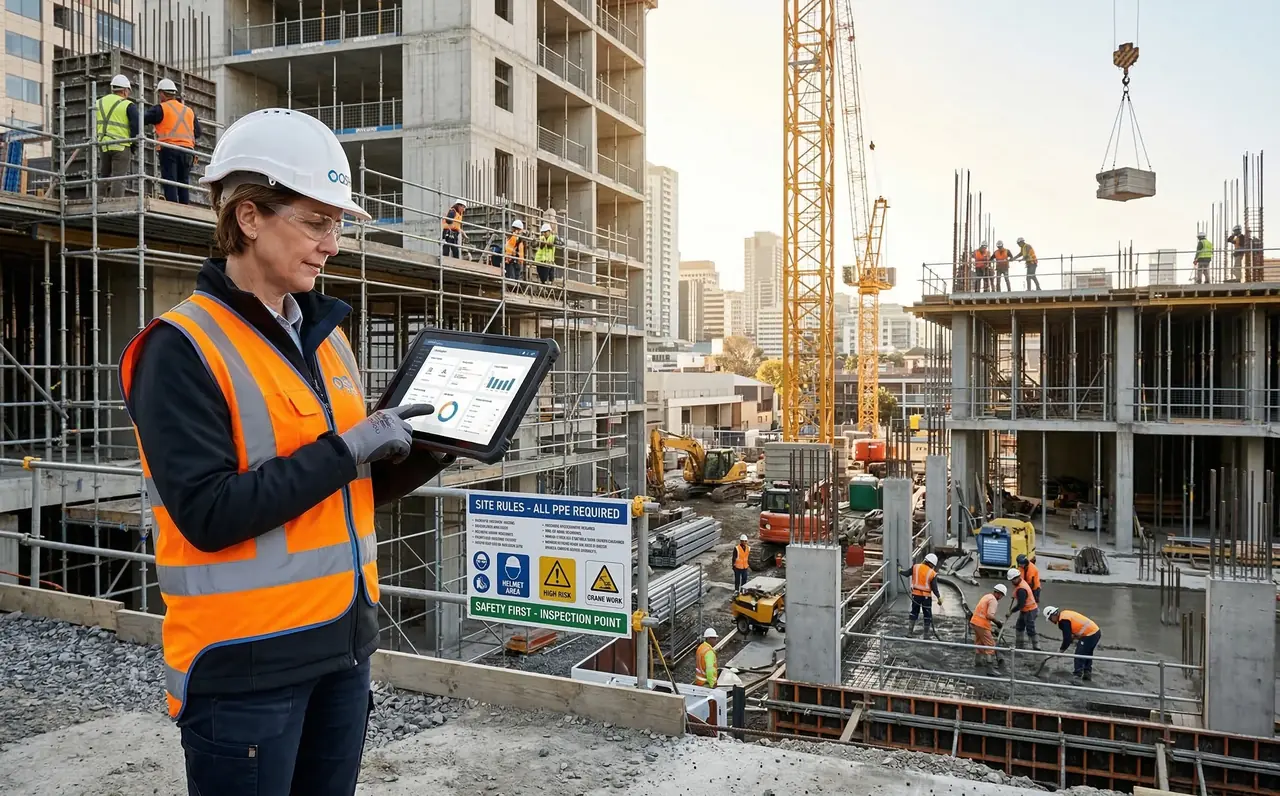
The shift from supervisor-dependent reporting to connected, cross-project risk visibility.
Increase in unsafe condition reporting.
What enabled itLow-friction mobile capture and guided templates
Reduction in incident reporting delay.
What enabled itOn-site submission and instant routing
Reduction in overdue corrective actions.
What enabled itDue dates, escalations and owner tracking
Improvement in contractor safety compliance scores.
What enabled itPre-qualification scoring and performance tracking
WORKFLOW AT A GLANCE
Worker or supervisor reports an unsafe condition on mobile with location and evidence.
Explore this solutionEHS validates severity and assigns the right owner: contractor or area lead.
Explore this solutionOwner fixes the issue and uploads proof, photo and notes, from the site.
Explore this solutionEHS verifies closure quality and closes, or reopens with comments.
Explore this solutionDashboards show project-wise risk hotspots, overdue actions, repeats and contractor performance.
Explore this solutionWhat leadership could not see across a portfolio of active projects.
Leadership couldn’t see risk patterns across projects in real time.
Unsafe conditions depended on supervisor reporting, so issues stayed invisible.
Qualification checks were slow and inconsistent across sites.
Actions slipped because tracking lived in manual registers and spreadsheets.
Deploying a standardised, integrated safety environment across all active operational sites.
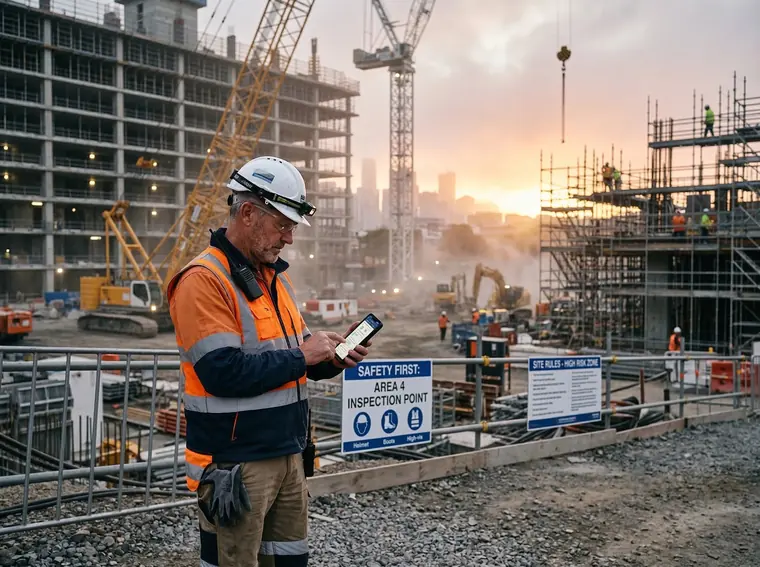
Configured for real-time capture by workers and supervisors across sites.
Key workflow controls
Audit proof captured
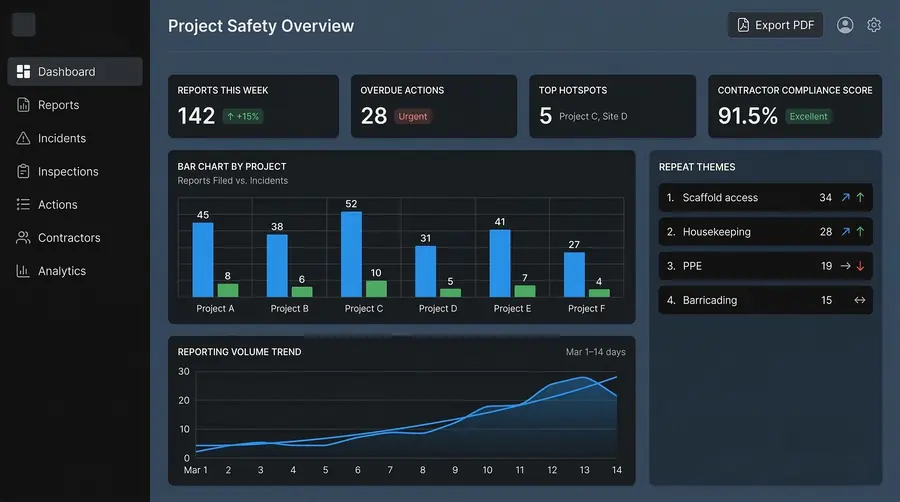
Configured for predictable closure and contractor governance across projects.
Key workflow controls
Audit proof captured
Less chasing. More traceability.
Fine-grained permissions by site, role or module.
Full history of all data changes and access.
One-click audit pack exports for regulators.
Capture keeps working in basements and low-signal zones, then syncs when the device reconnects.
What the safety team started with, what changed, and what improved.
Context & constraints
Get the one-pager summary, or request a security brief for your IT review.
Most teams ask these questions before rolling out OQSHA.
Typically 2–6 weeks, depending on the number of sites, the modules you enable (Permit to Work, Inspections, Safety Alerts, HIRA, Visitor Management), and how much historical data you're bringing over. Most customers start with a pilot site, then roll out site by site.
Nothing special. Field teams use the OQSHA mobile app on Android or iOS phones and tablets; admins and managers use the web portal in any modern browser.
Yes. OQSHA is built for sites where connectivity is patchy: basements, towers under construction, plant floors. Field users can raise permits, safety alerts and inspections with no signal, including photos and attachments. Everything syncs automatically once the device reconnects.
Data is encrypted in transit and at rest, hosted on AWS in your chosen region. For organizations that need full control, OQSHA can also be deployed on-premise within your own infrastructure.
No. OQO runs as a captive AI. It works on your safety data within the OQSHA environment and never sends it to a public model or the open internet.
Yes. We support Single Sign-On and integration with common HRIS, ERP, and directory systems. Custom integrations are scoped with our implementation team during onboarding.
Yes. Historical permits, inspections, and incident records can be imported during onboarding, usually alongside the pilot, so your analytics and audit history are complete from day one.
Yes. Each organization runs in its own isolated tenant. Your templates, records, users, and dashboards are never visible to or shared with any other customer.
Built-in dashboards across permits, incidents, and inspections, filterable by site, zone, and time period. They're scoped automatically to what each user is allowed to see.
A named implementation contact through rollout, then standard support with response-time SLAs based on your plan. App updates are delivered over the air, so field users always have the latest version without reinstalling.
SAFER OPERATIONS START WITH A CONVERSATION
Your workflows. Your sites. A tailored OQSHA walkthrough.